How to Change Languages on Your Device (Traveler)
Your Freewrite supports writing in many different languages. In order to write in a language other than English, you will need to install new keyboard mappings to your device. To do this, complete the following steps:
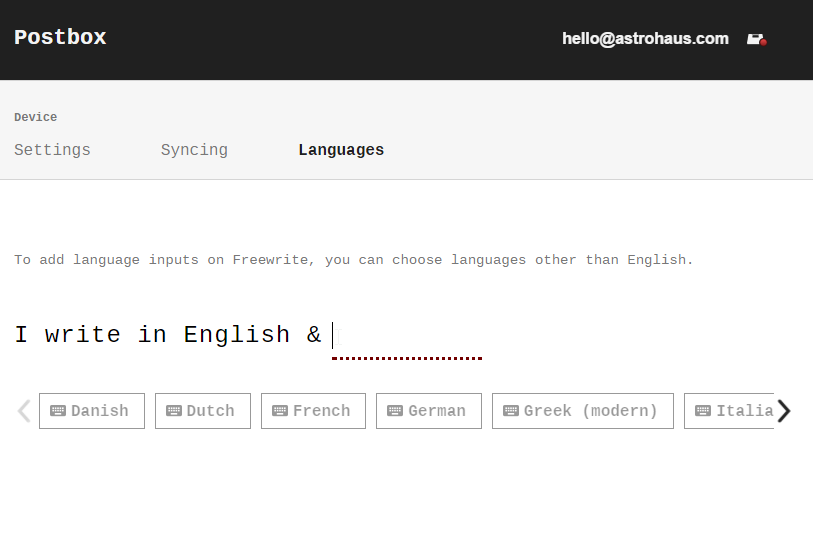
1. Log in to Postbox, click on your email address in the upper right-hand corner, and go to "Device settings."
2. Enable the languages in which you would like to write. Note: English is installed by default and cannot be removed.
 3. Turn on your device and make sure it is connected to Wi-Fi.
4. Your device will update its available languages automatically.
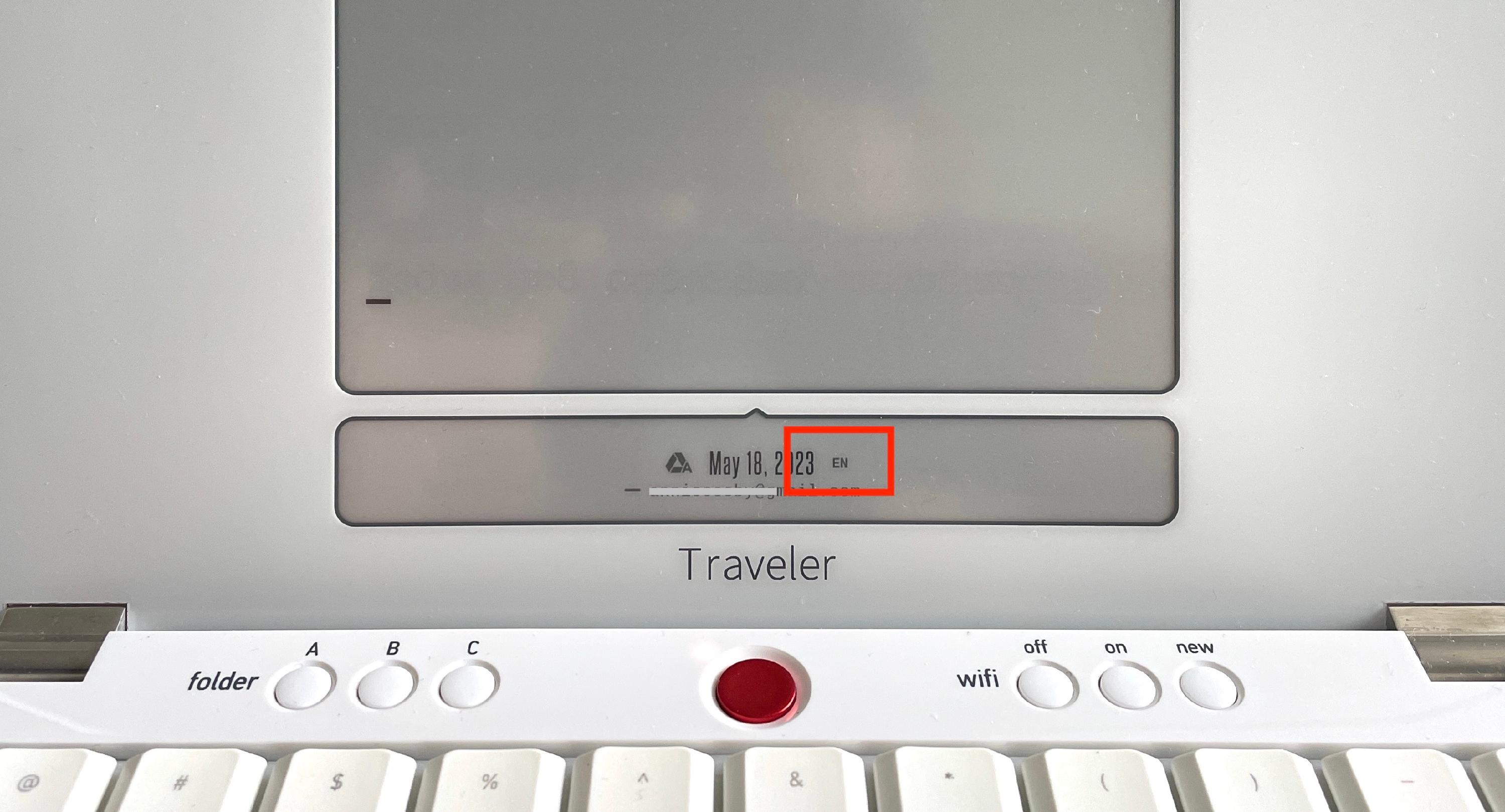
5. To change your keyboard mapping to the new languages, you can cycle through by holding [new] and pressing [shift]. A two-letter designator will show on the status screen to indicate which keyboard mapping is currently active.
- Write on!
If you have any issues installing a new language, please write to us at hello@getfreewrite.com.
Related articles
Still need help?
Contact support