Enable Password-Protected Lockscreen (Traveler)
Published March 31, 2026·Updated August 5, 2026·1 min read
It's easy to protect against unauthorized access to your account from your device.
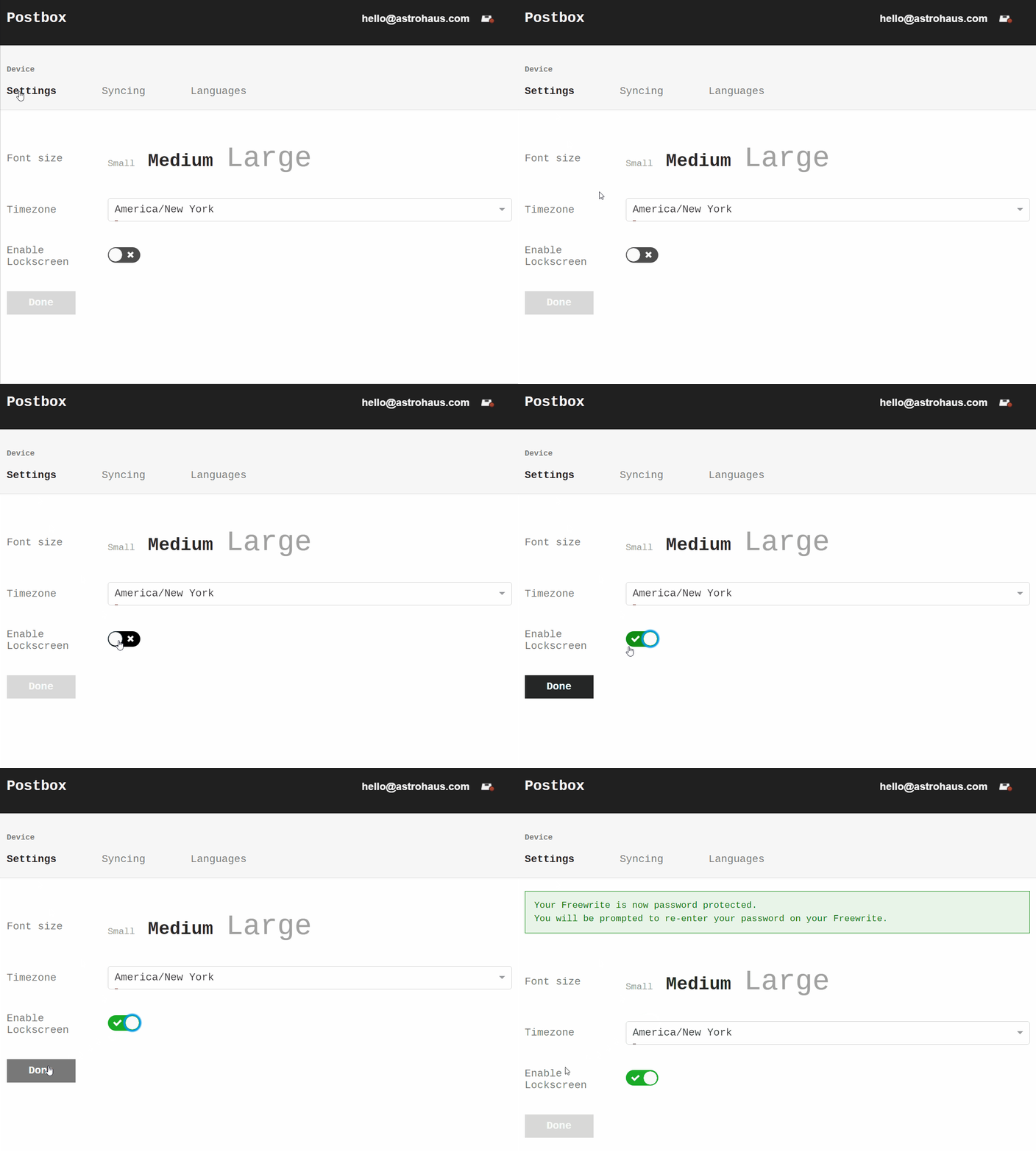
Go to https://postbox.getfreewrite.com/device/settings and click on the toggle next to "Enable Lockscreen."
If you see a green check mark like the image below, your lockscreen is enabled on your account. That means that any time you are logged into your Traveler, a password will be required upon the device waking up. Nobody will be able to access your account unless they put in your password.
When you first enable the lockscreen, make sure you connect your Traveler to Wi-Fi for it to download the setting.
Was this helpful?
Related articles
Still need help?
Contact support