Using the Kickstand (Alpha)
Published March 31, 2026·Updated August 5, 2026·1 min read
Alpha features a convenient kickstand that increases the viewing angle to 7 degrees.
Pro Tip: We suggest using two fingers to open the kickstand: one to press near the top of the kickstand and one to utilize the finger indent to flip the kickstand open.
The kickstand should make a clicking sound when closing and opening. Don't be alarmed — the kickstand is designed to click into place and Alpha is sturdy!
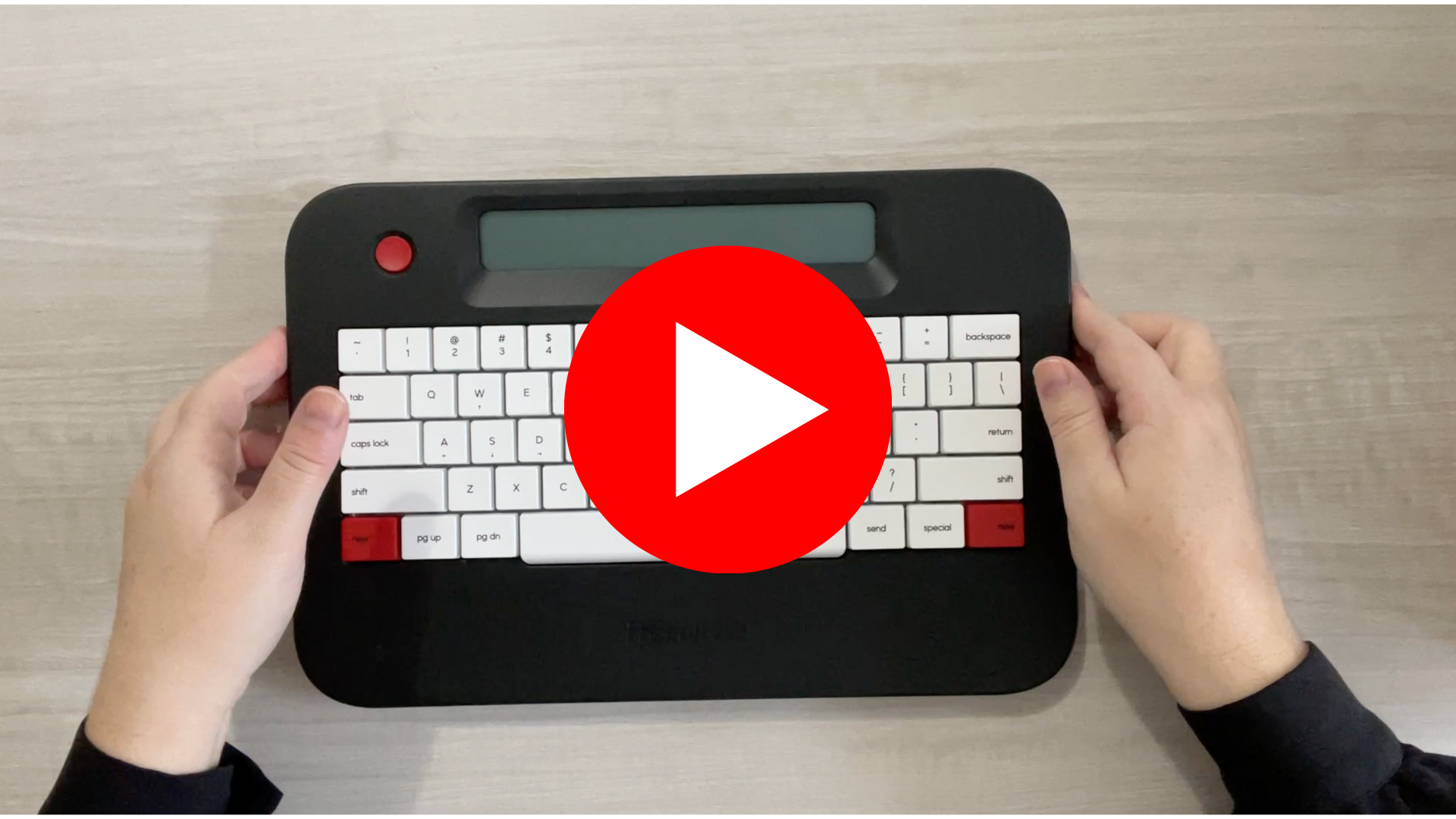
Note: If your kickstand is sticking, simply follow the above instructions and apply pressure to the top of the kickstand with one finger while flipping it open with your thumb. See the below video for guidance.
Was this helpful?
Related articles
Still need help?
Contact support