How to Access Other Documents (Alpha)
Published March 31, 2026·Updated August 5, 2026·1 min read
Alpha can create as many new drafts as you'd like. Every time you hit [new] and [new] to create a new draft, Alpha saves it locally (and to the cloud when you connect to Wi-Fi).
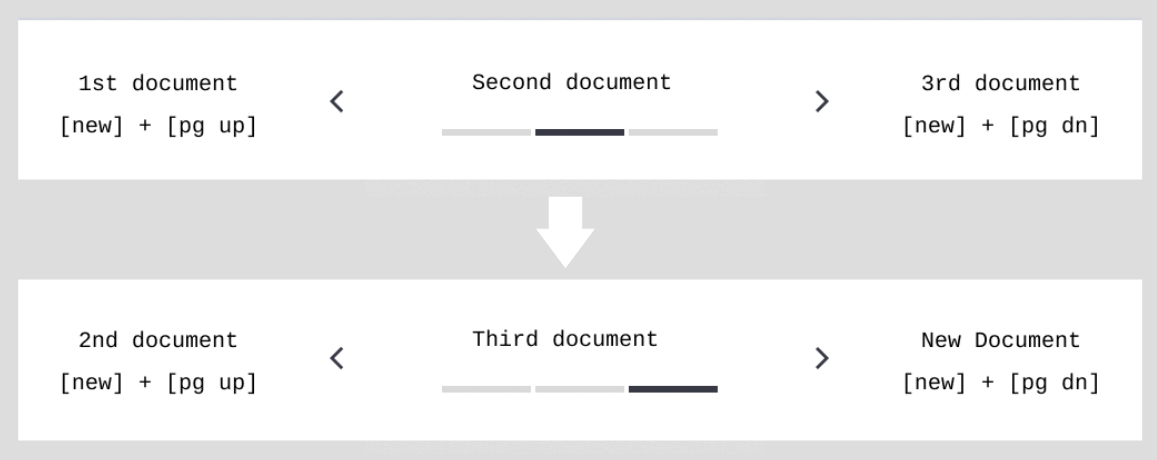
To quickly switch between documents on Alpha, simply hold [new] and press [pg dn]. The screen will display what drafts you are cycling through.
Continue holding [new] and press [pg dn] again to access older drafts or [pg up] to return to more recent drafts.
In this way, holding [new] and pressing [pg dn] and [pg up], you can cycle through all the drafts on your device.
Was this helpful?
Related articles
Still need help?
Contact support