Error Screens (Smart Typewriter)
Published March 31, 2026·Updated August 5, 2026·1 min read
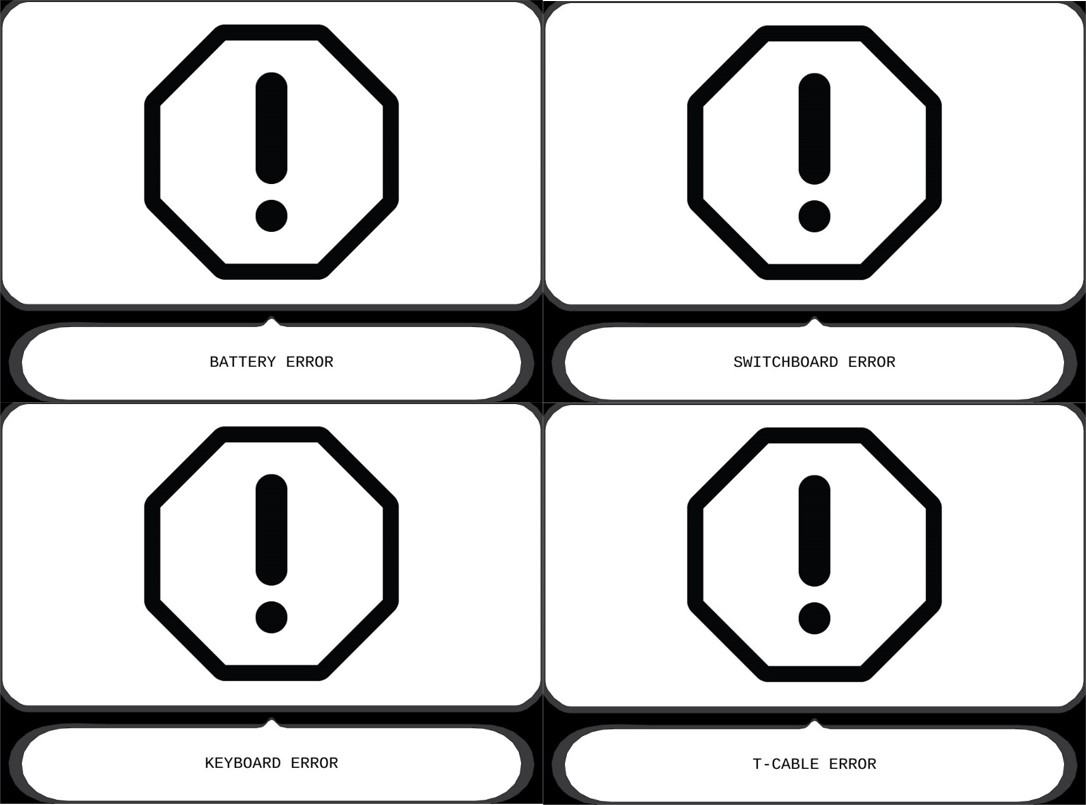
If your Freewrite screen is showing a big stop sign with an exclamation point in the center and an error message below, please restart your machine by holding down the power button for 15 seconds.
If the problem persists after the device restarts, please write us at hello@getfreewrite.com and note what the error message is in your message.
For example:
Was this helpful?
Related articles
Still need help?
Contact support